
SourceMP4
5.000 s
Five-second source. One compact loop with its original sound available alongside it.
Made for Second Life creators
Prepare animated images, video, and audio on your own computer. Bring them into Second Life with clear filenames and purpose-built creator scripts.
See what changes when the clip gets longer
A short animation can live on one texture sheet. Studio carries longer animations across multiple sheets. The three sheets pictured below are one example: longer sequences can use more than three. Matching sound is uploaded separately and played alongside the animation.
Five-second source. One compact loop with its original sound available alongside it.
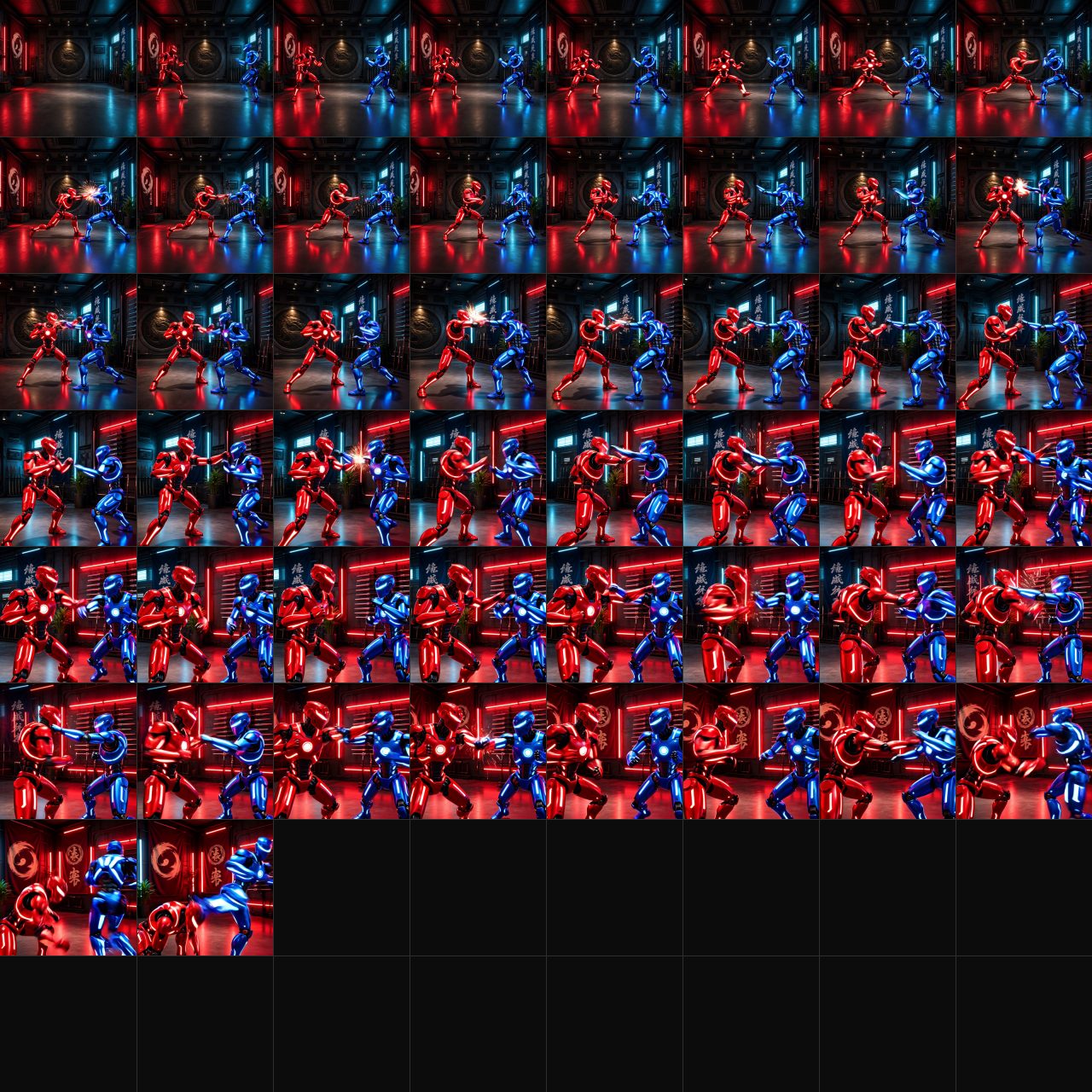 SINGLE TEXTURE
One texture carries all 50 playback frames for this five-second example.
1 sheet · 50 frames
Upload the matching sound with the texture. The player starts the sound with the visual loop.
Longer performance. Continuous motion.
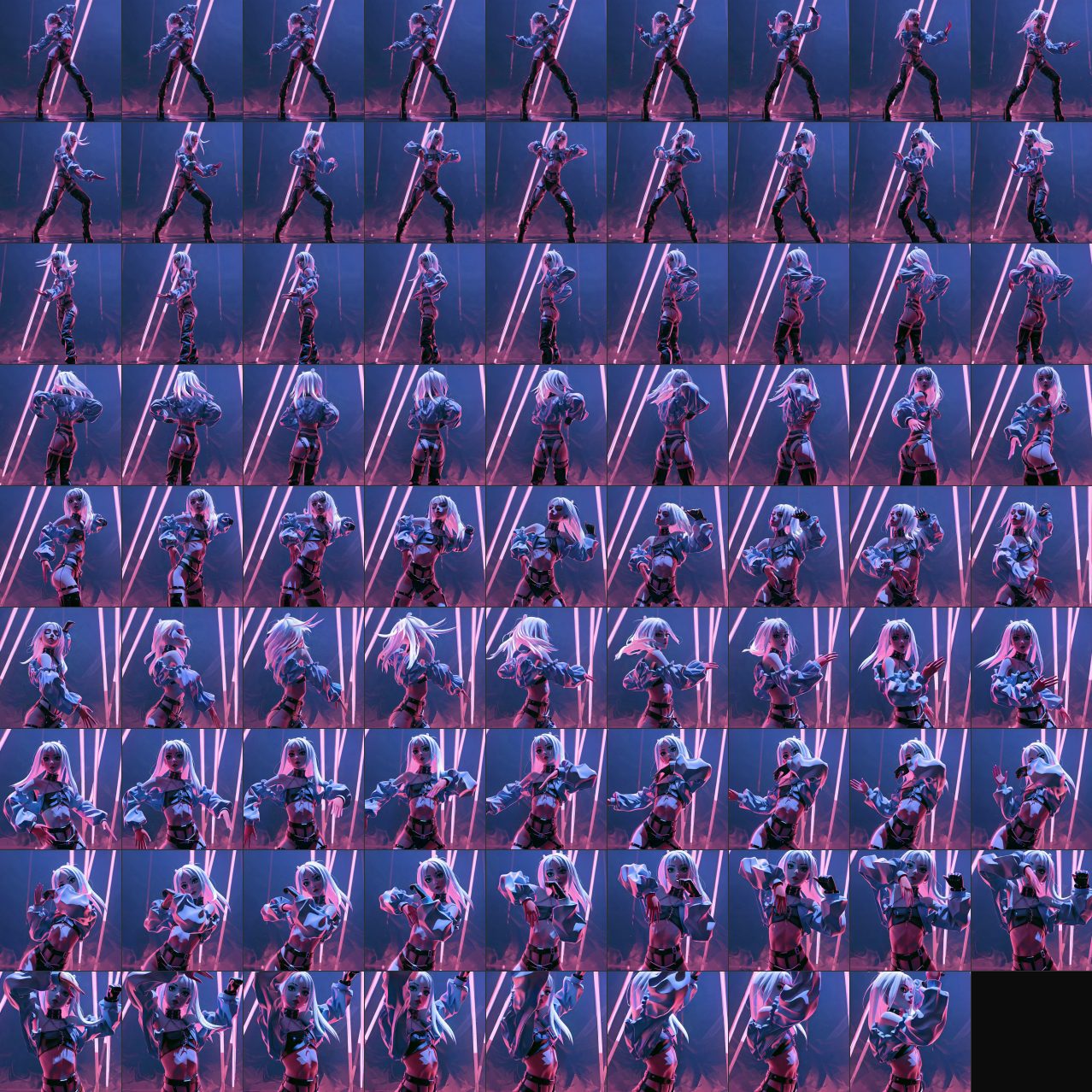 01
01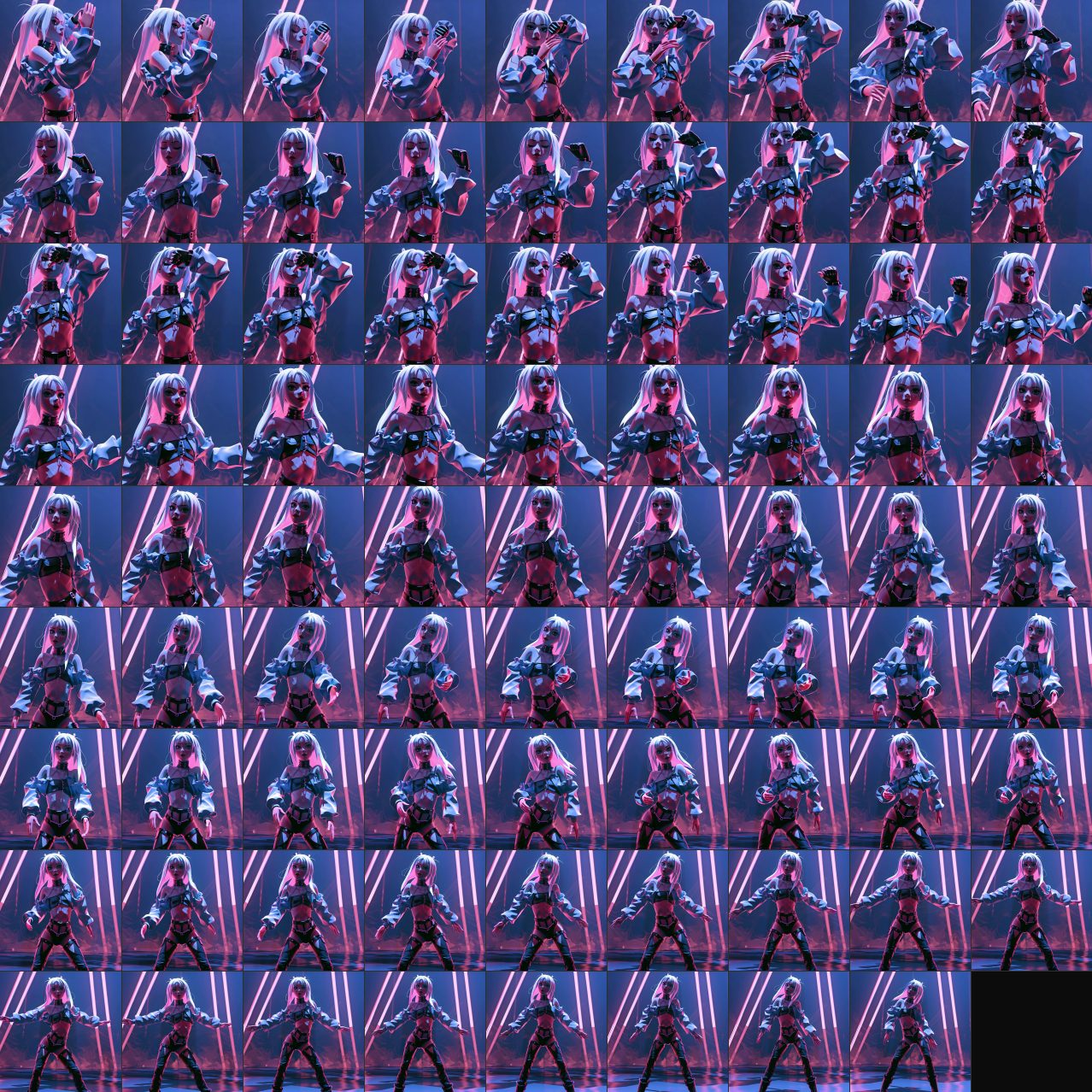 02
02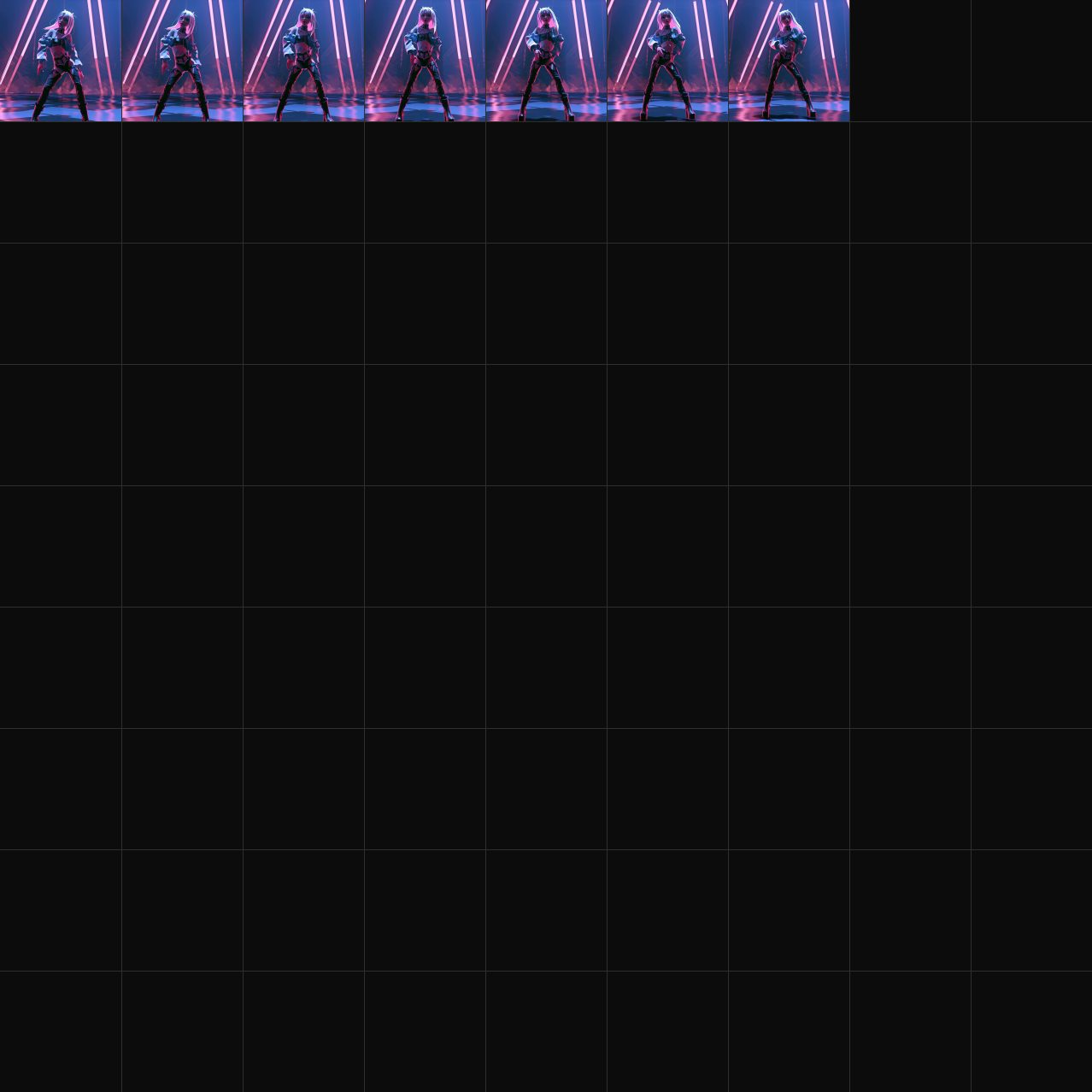 03
03This example uses three sheets with an 8-second maximum per sheet. Studio supports longer sequences with additional sheets.
3 sheets · 167 frames
The player hands off between sheets while the companion audio continues with the performance.
The gold outline follows the frames from left to right, row by row, then continues on the next sheet. Pause the demonstration to inspect a frame.
These browser previews use the supplied source clips and wooden-prim renders to illustrate the Gif2SL workflow. Gif2SL product playback remains fixed at 10 FPS. Sound is a separate companion asset: it is uploaded separately from the texture animation and played by the matching player. The Robot uses its original source audio; the Dancer uses an original Earth Machina demonstration track. The in-world panels are presentation mockups, not captures from the Second Life viewer.
More examples
Different subjects, the same process. Compare each source with its texture sheets and the frames replayed on a surface.
Small changes in expression, captured in a close-up.
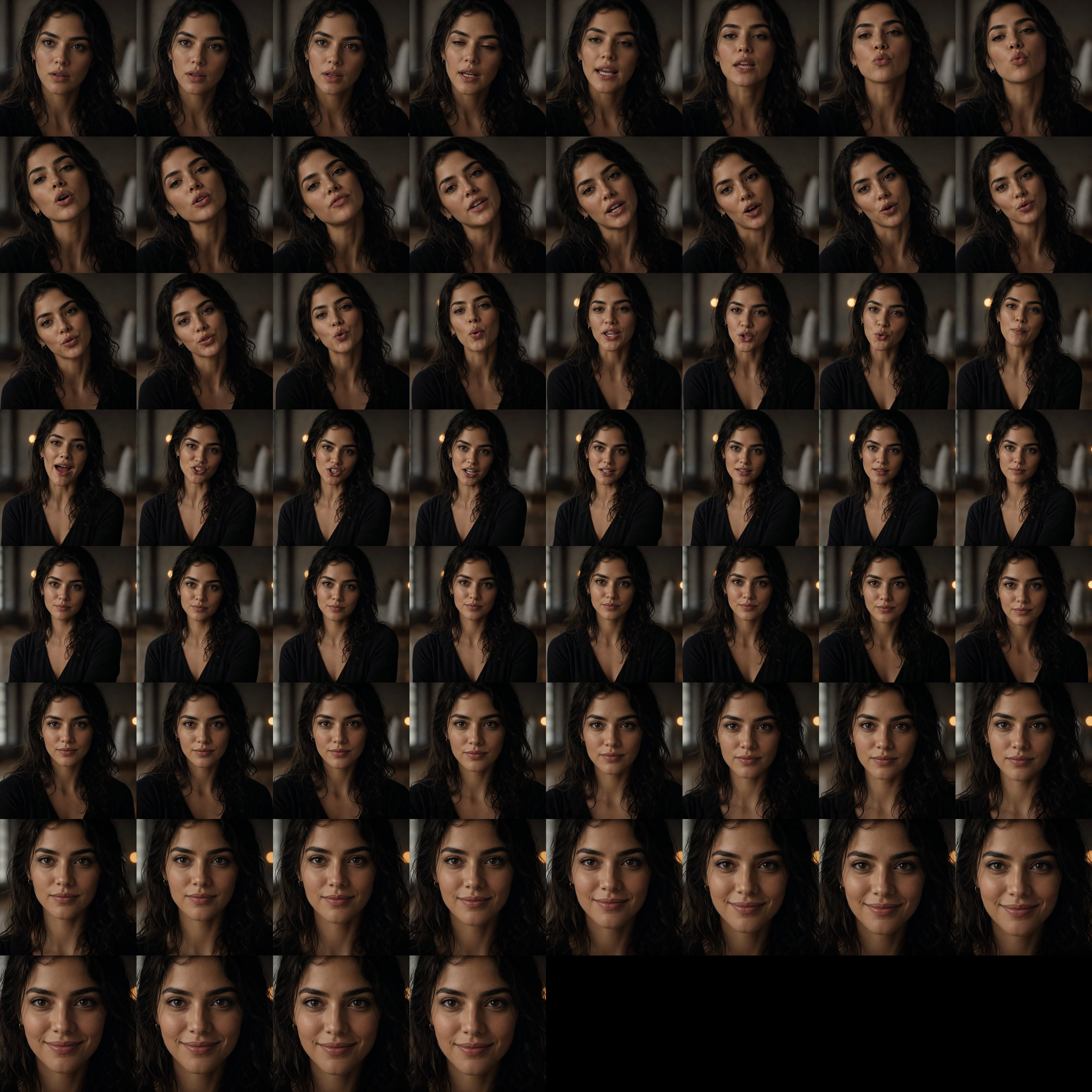 SINGLE-SHEET EXAMPLE
60 frames on one sheet. The outline follows each frame in playback order.
1 sheet · 60 frames
The surface replays the same frames highlighted in the texture sheet.
A shared moment, with faces, fabric, and water in motion.
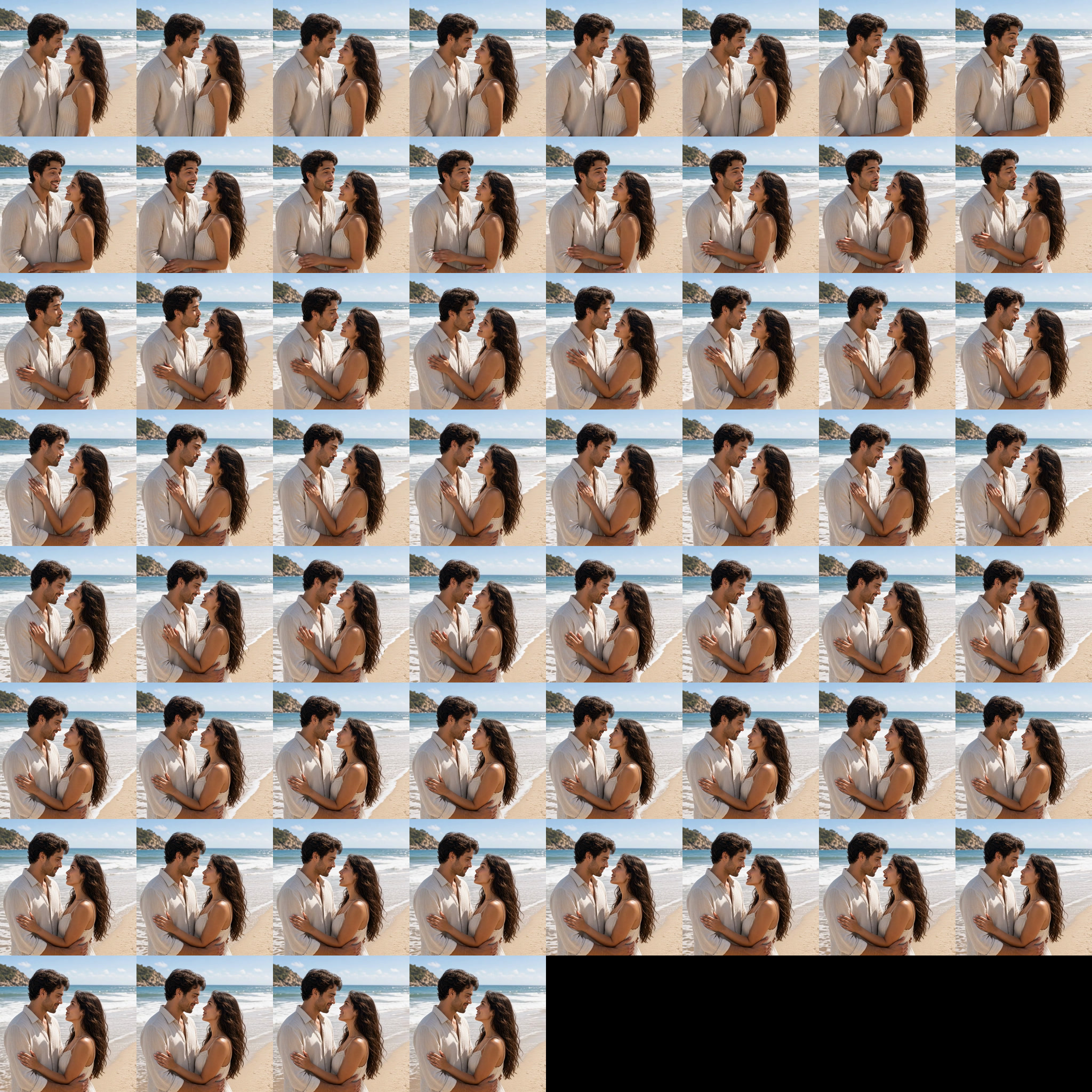 SINGLE-SHEET EXAMPLE
60 frames on one sheet. The outline follows each frame in playback order.
1 sheet · 60 frames
The surface replays the same frames highlighted in the texture sheet.
A wide action shot with movement across the whole scene.
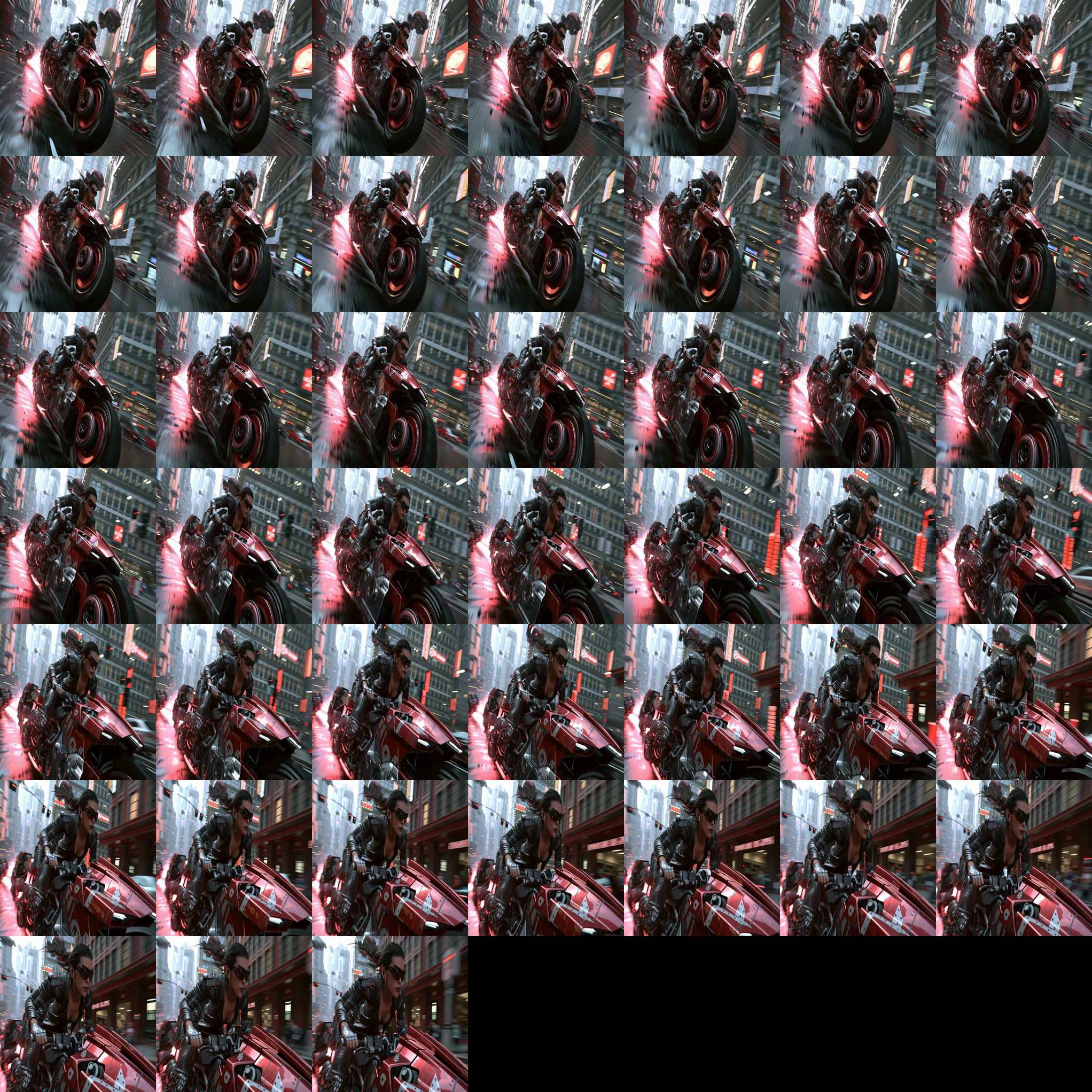 01
01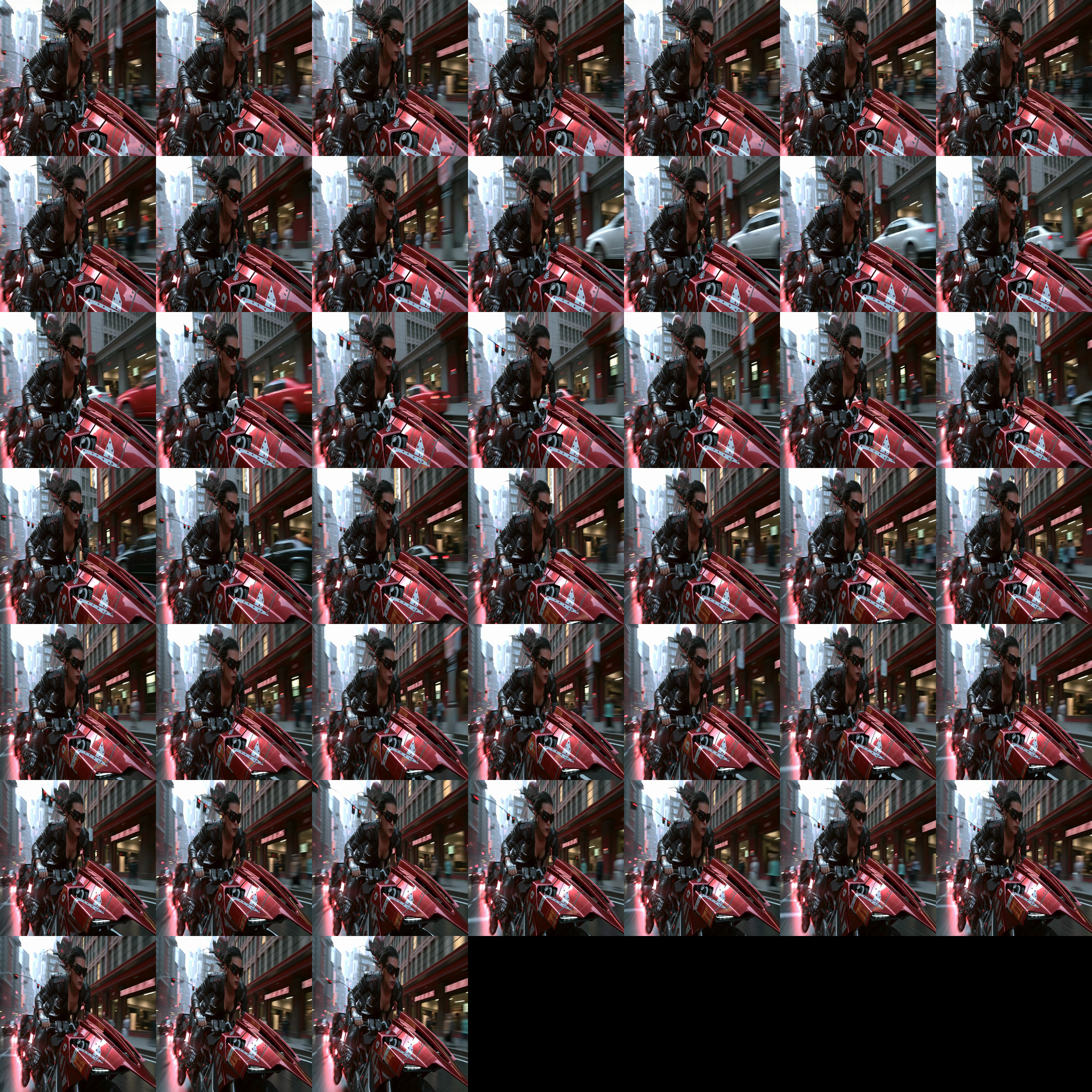 02
0290 frames, shown across two sheets. The outline continues from the first sheet to the second.
2 sheets · 90 frames
The wide proportions are restored on the surface. Playback uses the same frames shown in the sheets.
Gif2SL Studio converts MP4 and WebM video into animated texture sheets and prepares matching audio when the source includes sound. Upload the textures and sound separately, then play them together in Second Life.
Watch the gold outline or pause to inspect a frame. The two-sheet example shows one possible arrangement; Studio supports longer sequences with additional sheets.
These examples illustrate texture playback using frames prepared from the supplied clips at 10 FPS. They are browser demonstrations, not captures from the Second Life viewer. Portrait and Seaside include optional source audio. Neon Ride uses an original cyberpunk instrumental added for this demonstration.
Choose the workflow
Free creator edition · 1.0.0
For short animation loops played from one texture sheet.
Sound travels separately. Upload the matching sound into the same prim with the texture; the Free player can start them together.
Windows · $0 · no license key required
Payhip delivers a PDF with the Google Drive link to the portable Windows ZIP.
Full creator workspace · 1.1.8
For longer animation, coordinated audio, repeatable exports, and mixed-media batches.
Long-form Fluid sequences. For longer MP4 and WebM clips, choose an 8-, 10-, or 15-second maximum per sheet. Studio divides the complete selected range into as many balanced consecutive texture sheets as the sequence requires while preserving every sampled frame.
One-time launch price · Windows · license key included
Edition scope
| Workflow | Free 1.0.0 | Studio 1.1.8 |
|---|---|---|
| Single-sheet animation | Included | Included |
| Optional companion sound playback | Included | Included |
| 1024 and 2048 texture output | Included | Included |
| Consecutive Fluid multi-sheet sequences | Not included | Included |
| Batch visual and audio export | Not included | Included |
| Standalone audio segmentation | Not included | Included |
| MP4/WebM alpha-mask workflow | Not included | Included |
| Matching audio extraction / segmentation | Not included | Included |
Studio is a one-time purchase. Payhip supplies the Windows download and a unique license key after checkout. Gif2SL Free is available at no charge through Payhip, which delivers a PDF linking to the Google Drive download folder. Free requires no license key.
Inside Studio
Prepare current media, segment standalone audio, or stage a complete mixed batch without relearning the controls.
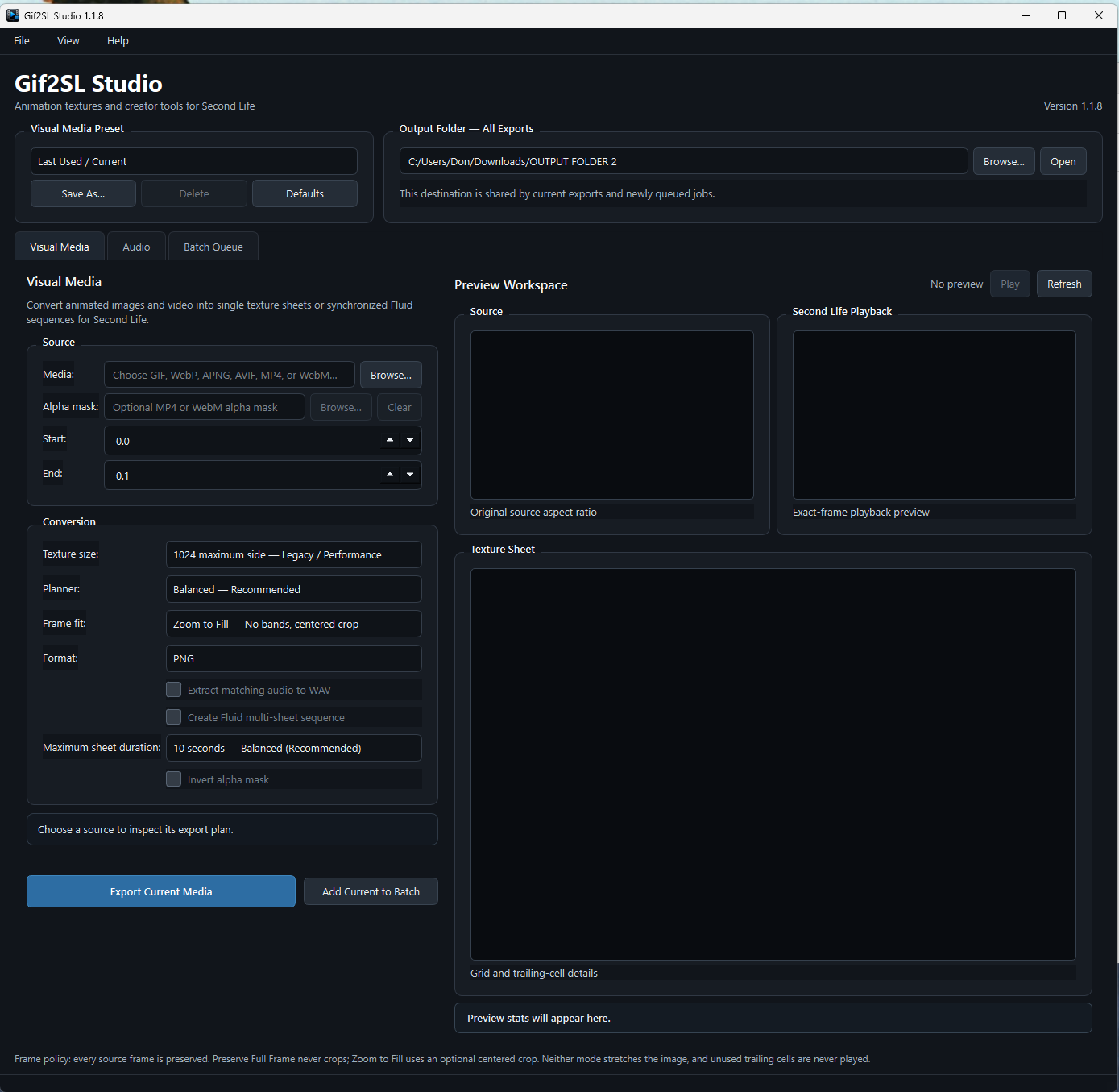
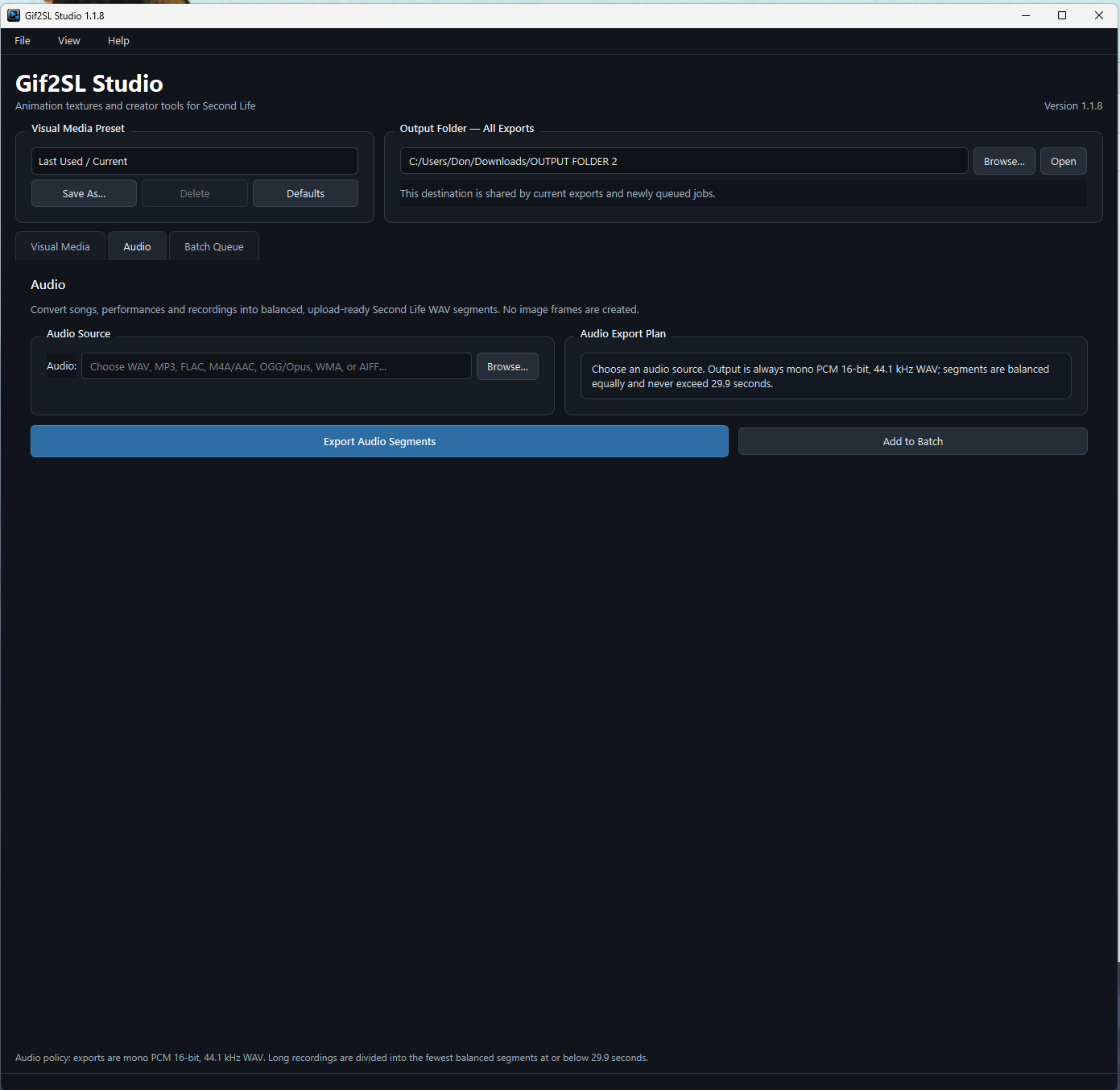
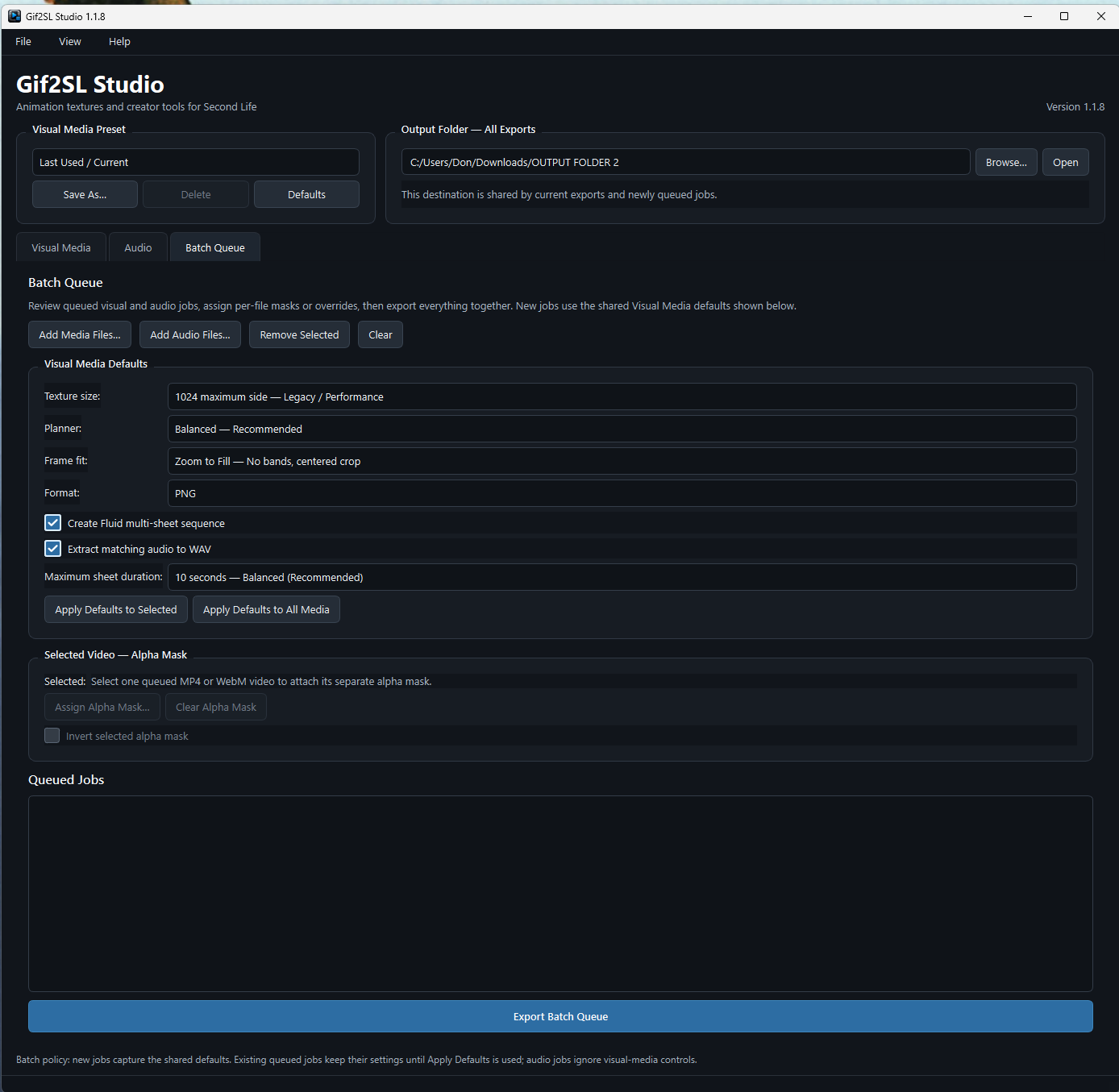
Accepted sources
GIF, animated WebP, APNG, animated AVIF, MP4, and WebM become PNG or TGA texture sheets. Studio preserves exact frame counts so unused trailing cells are never played.
WAV, MP3, FLAC, M4A/AAC, OGG/Opus, WMA, and AIFF become mono PCM 16-bit, 44.1 kHz WAV. Long files are divided into the fewest equal segments at or below 29.9 seconds.
Preserve Full Frame keeps the entire image and may add bands. Zoom to Fill removes bands with uniform scaling and a centered crop. Neither mode stretches the source out of proportion.
Choose an 8-, 10-, or 15-second maximum per sheet. Studio balances the complete range into the fewest sheets below that ceiling. Ten seconds is the recommended default.
The free player kit is available now. Keep the exported texture name intact, drop the texture and script into the same prim, and let the metadata do the work.